
10 Best Metaverse Crypto Projects To Watch Out For in 2023
Everyone has very little or no knowledge about the Metaverse. What does it mean and how does it work? We might not...

Create immersive digital experiences that connect physical environments with interactive 3D content, spatial interfaces and real-time digital environments.
Web30 India develops AR, VR and mixed reality applications for training, simulation, visualization, education, retail, healthcare, entertainment, product experiences and enterprise applications.
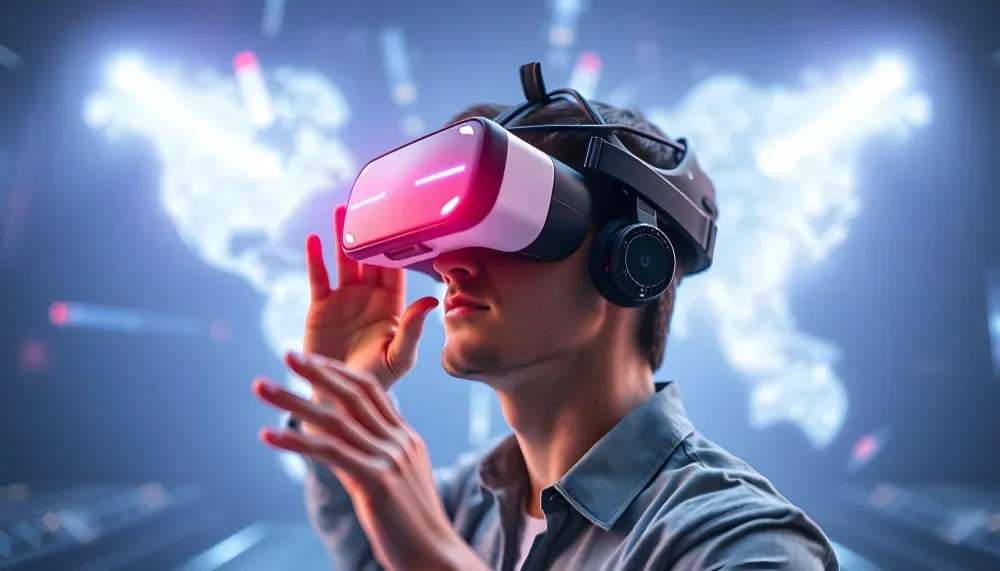
AR and VR applications combine real-time 3D environments with spatial tracking, device input, rendering, interaction systems and platform-specific capabilities. Modern XR development can use cross-platform standards such as OpenXR alongside platform and engine-specific tools.









AR and VR are not simply different display formats. Production XR applications combine spatial tracking, 3D content, interaction, input, rendering, audio and application logic to create experiences that respond to the user's environment and actions.
AR can place digital content into the physical world, while VR creates an immersive digital environment. Mixed reality combines digital content with an understanding of the surrounding physical environment. Unity's current XR platform supports AR, VR and industry applications across multiple device ecosystems.
Web30 India builds XR applications around the complete experience, from spatial interaction and 3D environments to device integration, backend connectivity and production deployment.
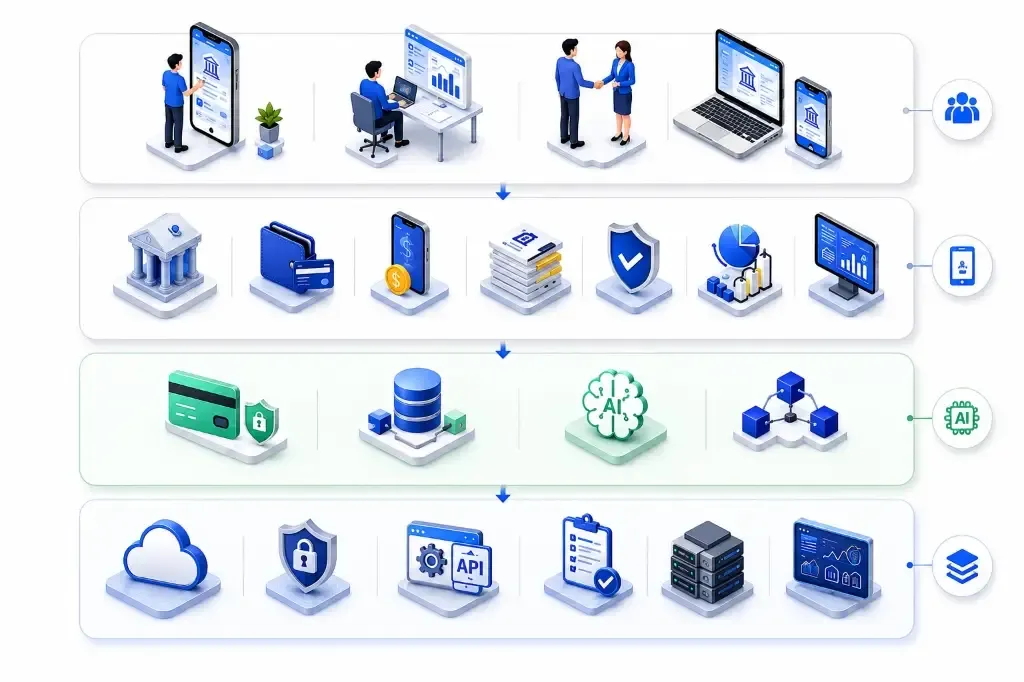
Build applications that overlay interactive digital objects, information and experiences onto the physical environment.
Create immersive virtual environments with spatial interaction, 3D content, controllers, hand tracking and interactive interfaces.
Combine physical surroundings with digital content, environmental understanding and spatial interactions.
Build applications around spatial interfaces, 3D environments, physical positioning and context-aware interaction.
Implement hand tracking, gestures, grabbing, pointing and other natural interaction methods. Unity's XR Interaction Toolkit and current Android XR tooling support hand-based interaction workflows.
Build experiences that use gaze and eye-position information where supported by the target platform and device.
Blend camera or device passthrough with virtual content to create mixed reality experiences. Meta Quest supports passthrough development through its Unity tooling.
Connect immersive applications with APIs, enterprise systems, cloud platforms, analytics, IoT devices and other required infrastructure.
Create immersive training environments where users can practice procedures, equipment operation and real-world scenarios.
Build interactive 3D environments for manufacturing, engineering, facilities, equipment and operational visualization.
Allow users to explore products, configurations and environments in interactive 3D.
Develop controlled AR/VR applications for training, education, visualization and selected healthcare workflows.
Create virtual classrooms, interactive learning environments, simulations and immersive educational experiences.
Build virtual showrooms, product visualization, interactive demonstrations and AR shopping experiences.
Create immersive walkthroughs, spatial design reviews, property visualization and interactive architectural environments.
Develop immersive entertainment, gaming, events and location-based experiences using spatial interaction and real-time 3D.
A production XR application connects the immersive experience with device capabilities, 3D content, interaction systems, application logic and supporting services.
Modern XR applications increasingly move beyond traditional controllers. Depending on the hardware and platform, applications can use hands, gestures, gaze, controllers, spatial positioning and physical surroundings as interaction inputs.
Track hands and hand movements to support controller-free interaction.
Translate predefined gestures into application actions and commands.
Use gaze direction and eye-position information for navigation, selection and context-aware interfaces where supported.
Support tracked controllers for precise interaction, navigation and gameplay.
Place digital content at persistent or defined locations within a physical environment.
Enable users to pick up, move, manipulate and interact with virtual objects.
Implement teleportation, smooth movement and other navigation methods for virtual environments.
Provide tactile feedback through supported controllers and XR hardware to reinforce interaction.
XR applications need to account for differences in tracking, rendering, interaction methods, operating systems and hardware capabilities.

Build standalone VR and mixed reality applications for Meta Quest devices using Unity, OpenXR and Meta's XR development ecosystem. Meta currently recommends the Unity OpenXR Plugin for Quest development.
Build XR applications for Android XR devices using Unity's OpenXR integration, AR Foundation and Android XR extensions.
Develop spatial experiences for supported Apple platforms and visionOS where the application requirements align with the target device ecosystem.
Use OpenXR-based development approaches to support compatible XR hardware while reducing unnecessary platform-specific duplication.
Build AR experiences for supported iOS and Android devices using platform capabilities such as ARKit and ARCore.
Develop high-fidelity VR experiences for supported desktop and console VR platforms.
Secure user accounts, sessions and access to connected XR applications.
Control access to cameras, microphones, spatial sensors and other device capabilities according to application requirements.
Protect environmental maps, spatial anchors and other sensitive spatial information where collected or stored.
Secure communication between the XR application, APIs, backend systems and cloud infrastructure.
Validate user input and interaction events before they trigger sensitive application actions
Monitor application events, backend activity, errors and relevant access activity.
Create immersive environments for technical training, safety procedures, equipment operation and scenario-based learning.
Support equipment visualization, factory planning, maintenance training, assembly guidance and operational simulation.
Build immersive educational, visualization and simulation experiences for healthcare professionals and learners.
Allow customers to visualize products, explore virtual environments and interact with digital product experiences.
Enable immersive design reviews, virtual walkthroughs, spatial planning and project visualization.
Create virtual laboratories, interactive lessons, simulations and immersive learning environments.
Build vehicle visualization, design review, driving simulation, training and interactive customer experiences.
Create immersive games, interactive experiences, location-based entertainment and social virtual environments.
Connect XR applications with 3D models, digital asset libraries, CAD data and content management systems.
Integrate immersive experiences with ERP, CRM, training, manufacturing, healthcare and other enterprise platforms.
Connect spatial applications with sensors, industrial devices, equipment and real-world data sources.
Add computer vision, speech, object recognition and AI capabilities where they improve the XR experience.
Connect applications with APIs, authentication, databases, analytics and cloud infrastructure.
Enable shared experiences where multiple users interact within synchronized virtual or mixed reality environments.
Capture the relevant device, spatial and environmental information required by the experience.
Understand surfaces, positions, anchors or other environmental elements required by the application.
Render the virtual objects, environments and interfaces according to the user's position and device.
Process hand movements, controllers, gaze, gestures, voice or other supported inputs.
Apply interaction logic, physics, animation and application rules to update the experience.
Send relevant information to backend systems, analytics, multiplayer infrastructure or connected business workflows.
Define the purpose, users, environment, interaction model and expected outcome of the XR experience.
Identify target headsets, mobile devices, operating systems, tracking capabilities and platform requirements.
Define the experience architecture, interaction systems, spatial requirements, content structure and backend connectivity.
Build environments, objects, interfaces, interactions, animation, physics and spatial workflows.
Test tracking, interaction, rendering, frame timing, comfort, device compatibility and application performance.
Connect backend systems and validate authentication, APIs, permissions, data handling and platform controls.
Prepare platform-specific builds and deployment configurations for the selected XR ecosystem.
Monitor application behavior, performance, crashes and user interactions, then improve the experience through subsequent releases.














Explore practical insights on AR development, VR development, mixed reality, spatial computing, OpenXR, Unity XR, Unreal XR, hand tracking, eye tracking, passthrough, immersive interfaces, XR architecture, device optimization and enterprise XR applications.
Everyone has very little or no knowledge about the Metaverse. What does it mean and how does it work? We might not...
Today, smart contracts are beneficial for companies. This in-depth guide goes into great detail about their unique...
Everyone must be aware of how important it is to have a website in order to make a mark in the IT business industry...
Welcome to the next gaming frontier, where virtual worlds collide with reality to create immersive experiences like...
DeFi is an innovative system that will fundamentally change global finance. In summary, DeFi is an open monetary sy...
Everyone has very little or no knowledge about the Metaverse. What does it mean and how does it work? We might not...
Today, smart contracts are beneficial for companies. This in-depth guide goes into great detail about their unique...
Everyone must be aware of how important it is to have a website in order to make a mark in the IT business industry...
Welcome to the next gaming frontier, where virtual worlds collide with reality to create immersive experiences like...
DeFi is an innovative system that will fundamentally change global finance. In summary, DeFi is an open monetary sy...
Everything you need to know about our enterprise blockchain engineering process, costs, security, and architectures.
Where connections are brewed, ideas percolate, and inspiration flows!
Let’s hear about your project. Drop us the details or send us a direct email
 24/7 Support